Instagram Checkout Is Gone: Where Your Sales Go Now (2026)
Meta removed in-app checkout from Instagram Shops in 2025. What changed, what still works, and where to send buyers so you keep every sale, no website needed.

Short answer: Meta removed in-app checkout from Instagram and Facebook Shops in 2025. The switch started in June 2025 and was finished for most shops by the end of August 2025. Now, when a buyer taps a product tag on Instagram, they are sent to the seller's own website to pay. Instagram is where people find your products. The sale happens somewhere you control: your website, your link in bio, or your DMs.
If your "Buy" button stopped working, your Commerce Manager orders tab went quiet, or buyers keep asking "how do I pay?" in your comments, this is why. This guide covers exactly what changed and when, what still works on Instagram Shop in 2026, why digital products were never allowed, and how to give your Instagram sales somewhere to land, without building a website.
Did Instagram really remove checkout?
Yes. In its Business Help Center, Meta announced: "Starting in June 2025, Shops will gradually begin using website checkout instead of checkout on Facebook or Instagram." Most shops were moved by the end of August 2025. Shops connected through third-party order systems such as Magento and Adobe Commerce Cloud were updated later (Value Added Resource).
It was a complete U-turn. In April 2023, Meta told US sellers that shops without Meta's checkout would stop being accessible by April 24, 2024. About two years later, Meta's own checkout was the thing being switched off.
Instagram shopping timeline: 2023 to 2026
| Date | What changed |
|---|---|
| February 2023 | The Shop tab is removed from Instagram's main navigation (Retail Dive) |
| April 2023 | Instagram allows up to five links in your bio (TechCrunch) |
| April 2023 | Meta says US shops must use its in-app checkout by April 24, 2024 (TechCrunch) |
| June 2025 | Meta starts moving all Shops to website checkout |
| August 2025 | Most Shops finish the switch. Every purchase now completes off Instagram |
| March 2026 | Meta starts testing AI review summaries and a one-tap "Buy Now" checkout on ads, built with Stripe and PayPal (TechCrunch) |
What did sellers lose when Instagram checkout ended?
According to Value Added Resource and PPC Land, these features went away with native checkout:
- Paying inside Instagram or Facebook. Buyers can no longer finish a purchase in the app.
- Payment processing and payouts by Meta. Money now moves through whatever checkout you use.
- Order management in Commerce Manager, including order status, history, and bulk actions.
- Returns and refunds handled in Commerce Manager.
- Meta's dispute and chargeback handling.
- The Commerce Manager inbox for messaging buyers about orders.
Past order and payout records stay viewable for a while, but new orders no longer run through Meta.
What still works on Instagram Shop in 2026?
Instagram didn't stop selling. It stopped taking the payment. These still work:
- The Shop on your profile, with collections and product pages.
- Product tags in posts, Stories, and Reels. Tapping a tag now opens your website instead of an in-app checkout.
- Shop ads that send people to your site.
- Up to five links in your bio, open to every account.
- Link stickers in Stories, which Instagram opened to all accounts regardless of follower count.
There's one catch with product tags. To use them you need a product catalog, and as Shopify's Meta requirements page puts it, "your products must be available for direct purchase from your verified domain." So tags only help if you already run a website store.
The simplest way to think about it: Instagram is now the shop window, not the checkout.
Where do Instagram sales go now?
Every Instagram sale now finishes in one of four places:
- Your own website (Shopify, WooCommerce, and so on). It's the only route that works with product tags. You pay for the platform every month and run the store yourself.
- A link-in-bio storefront. The page behind your bio link shows your products and takes orders directly, with no website needed.
- DMs and WhatsApp. Free and personal, but slow. Every buyer waits for a reply to "price?", and it stops working once orders pick up.
- Meta's "Buy Now" checkout in ads. It was in testing as of March 2026. It's for advertisers, needs ad spend, and runs through Stripe or PayPal.
| Where the sale happens | Need a website? | Cost to start | Best for |
|---|---|---|---|
| Your own website + product tags | Yes, on a verified domain | Monthly platform fee + apps | Brands with steady volume |
| Link-in-bio storefront | No | Free on SellFlow | Small sellers, creators, digital products |
| DMs / WhatsApp only | No | Free | Your first few orders, custom work |
| Meta "Buy Now" ads | Needs an ad account + checkout partner | Ad spend | Sellers already running Meta ads |
Want the full breakdown of storefront tools? See our side-by-side comparison of creator storefront platforms.
Can you sell digital products on Instagram Shop?
No. Meta's catalog eligibility rules for Shops are built for physical products that ship. Digital downloads, subscriptions, and most services can't be listed or tagged. This was true before checkout ended and it's still true now.
So if you sell presets, templates, e-books, courses, coaching, or bookings, Instagram Shop was never an option. Your bio link is where those sales happen. Our guide on how to sell digital products on Instagram walks through the setup.
How do you move your Instagram sales to a link-in-bio store?
Here's a setup that takes about an afternoon and needs no website:
- Pick where the sale will happen. If you don't have a website, use a link-in-bio storefront. Your bio link then works as your checkout, and the same link also works on TikTok, YouTube, and your WhatsApp status.
- Add your products. Use clear photos, a price, and a two-line description. Physical products, digital downloads, services, and bookings can all live on the same page.
- Put the store link first in your bio. Go to your profile, tap Edit profile → Links → Add external link, and paste your store URL (Instagram's help page). You get five links, so make the store the first one.
- Put a link sticker on every Story that shows a product. Link it to that product, not your homepage. Then pin a "Shop" Highlight so the link stays after the Story expires.
- Tell Reels viewers where to buy. Links in Reel captions aren't clickable, so say it out loud and in the caption: "Tap the link in my bio." Clickable Reel links exist, but only for Meta Verified business subscribers, starting at US$44.99/month for two linked Reels (Inro, US pricing checked July 2026).
- Confirm every order within minutes. A fast "Got your order!" message on WhatsApp is the trust signal Meta's checkout used to give buyers.
For more on turning your bio into a shop, read Link in Bio Shop: How to Turn Your Instagram Bio Into a Store.
How do buyers pay on a SellFlow storefront?
SellFlow never holds your money. Here's how an order works:
- The buyer taps your bio link, picks a product, and fills in a short order form.
- They choose how they'd like to pay from the methods you accept: card or PayPal through your own payment link, bank transfer, UPI, mobile money, or cash on delivery.
- You get the order right away, with a pre-filled WhatsApp receipt so you can confirm it in one tap.
- You send the buyer a secure payment page with your payment details. They pay you directly, then upload a screenshot or transaction ID.
- You check the payment, mark it verified, and ship the item or send the digital file.
Because the money goes straight from your buyer to you, SellFlow takes 0% of your sales. Every feature is free, with no card and no trial (see pricing).
The honest trade-off: you confirm payments yourself, and there's no automatic card processing or platform-run chargeback protection. For many small sellers, especially where buyers already prefer bank transfer, UPI, or cash on delivery, that's how they sell today. SellFlow just gives it a proper storefront and order trail. If WhatsApp is your main sales channel, our guide to selling on WhatsApp goes deeper.
Is the end of Instagram checkout bad for small sellers?
It depends on what you valued. Here's what you lost:
- The trust of a checkout run by Meta.
- Payments, returns, and disputes handled for you.
Here's what you gained:
- You own the customer relationship. The buyer's name, phone, and order history now sit with you, not inside Commerce Manager.
- No lock-in to one platform. One storefront link works on Instagram, TikTok, YouTube, and WhatsApp.
- Fewer moving parts to maintain. Meta itself framed the change as giving sellers "more control of the checkout experience" and reducing "the time it takes to set up and maintain" a shop (via Value Added Resource).
Our take: small sellers who relied on Meta's checkout were renting the most important part of their business. Losing it hurt, but a storefront you control is a sturdier base, especially as social selling keeps growing. eMarketer forecasts US social commerce sales will pass $100 billion in 2026.
What's next for shopping on Instagram?
Meta hasn't given up on in-app buying. It has moved it into ads. At Shoptalk in March 2026, Meta announced tests of:
- AI review summaries that appear after someone taps an ad or visits a site from Facebook or Instagram.
- A one-tap "Buy Now" checkout built with Stripe and PayPal, with Adyen and Shopify planned. The advertiser chooses the checkout partner.
- Product catalogs for Reels creators from businesses in 22 countries, through affiliate programs.
What this means for you: frictionless in-app buying on Instagram is coming back as a paid feature for advertisers. Organic posts, the Reels and Stories most small sellers live on, still send buyers off Instagram. So the page behind your bio link matters more than ever.
The bottom line
Instagram checkout is gone. Instagram is now for discovery, and the sale happens wherever your link points. If that link goes to a list of URLs or a DM that takes hours to answer, you're losing buyers at the exact moment they're ready to pay.
SellFlow turns your Instagram bio link into a storefront that takes orders for physical products, digital downloads, services, and bookings, with WhatsApp order alerts and 0% taken from your sales. Get the SellFlow Android app. It's free.
Keep reading
Frequently asked questions
Did Instagram remove checkout?
Yes. Meta began replacing in-app checkout on Instagram and Facebook Shops with website checkout in June 2025, and most shops completed the switch by the end of August 2025. Buyers now tap a product and finish paying on the seller's own website or checkout page.
Why can't customers buy directly on Instagram anymore?
Because Meta retired its native checkout. Instagram Shop still shows products and product tags, but the purchase now happens on the seller's website or checkout page. Meta said the change gives sellers more control of checkout and cuts the time it takes to set up and maintain a shop.
Can I still tag products on Instagram in 2026?
Yes. Product tags still work in posts, Stories and Reels, but tapping a tag opens your website instead of an in-app checkout. You need a product catalog, and your products must be available for direct purchase from your verified domain.
Can you sell digital products on Instagram Shop?
No. Meta's catalog rules for Shops cover physical products that ship, so digital downloads, subscriptions and most services cannot be listed or tagged. Sell them from a link-in-bio storefront instead and promote them in your posts, Reels and Stories.
Do I need a website to sell on Instagram now?
Not necessarily. Product tags need a website on a verified domain, but you can sell without one by sending buyers to a link-in-bio storefront that takes orders, such as SellFlow, or by taking orders in DMs and WhatsApp.
What is the best alternative to Instagram checkout?
For small sellers without a website, a link-in-bio storefront is the fastest alternative: your bio link becomes your checkout and works on every platform. Brands that already run a website store can keep using product tags that send buyers to their site.
Can you add a clickable link to an Instagram Reel?
Not in the caption. Links in Reel captions are not clickable. Meta Verified business subscribers on the Plus tier and above can add a link to a limited number of Reels each month. Everyone else should point viewers to their bio link and use link stickers in Stories.
Is Instagram bringing checkout back?
Partly, for ads. In March 2026 Meta began testing a one-tap Buy Now checkout inside ads, built with Stripe and PayPal, with Adyen and Shopify planned. It is aimed at advertisers; organic posts, Reels and Stories still send buyers off Instagram to pay.
Written by
AmitFounder of SellFlow. Writes about social commerce, selling on Instagram & WhatsApp, and helping creators turn followers into customers.
Related articles
![The Best Free Link in Bio Tool for Instagram & TikTok Sellers (2025) [ SellFlow ]](https://firebasestorage.googleapis.com/v0/b/sellflow-f831.firebasestorage.app/o/blog%2Fxc88r81emqs0vz19.jpg?alt=media&token=e9750723-ced2-411f-9a24-7d41d3695e90)
The Best Free Link in Bio Tool for Instagram & TikTok Sellers (2026)
The complete guide for US sellers: how to edit bio on Instagram, add a link on TikTok, compare free bio link tools, and sell directly from your bio link with SellFlow.
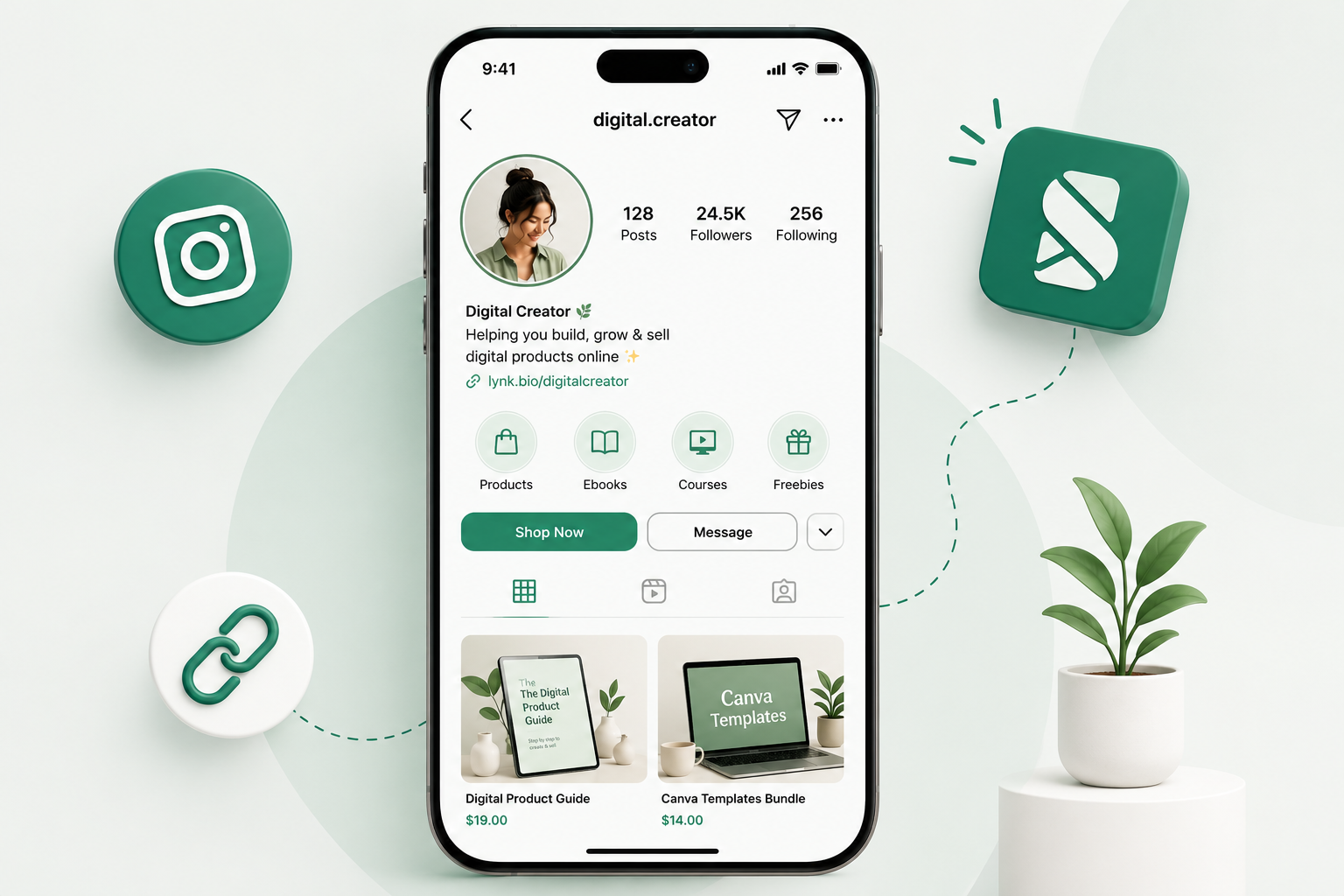
How to Sell Digital Products on Instagram in 2026 (No Website Needed)
Learn how to sell digital products on Instagram in 2026 — set up a link in bio storefront with checkout, take payments, and start earning without a website.
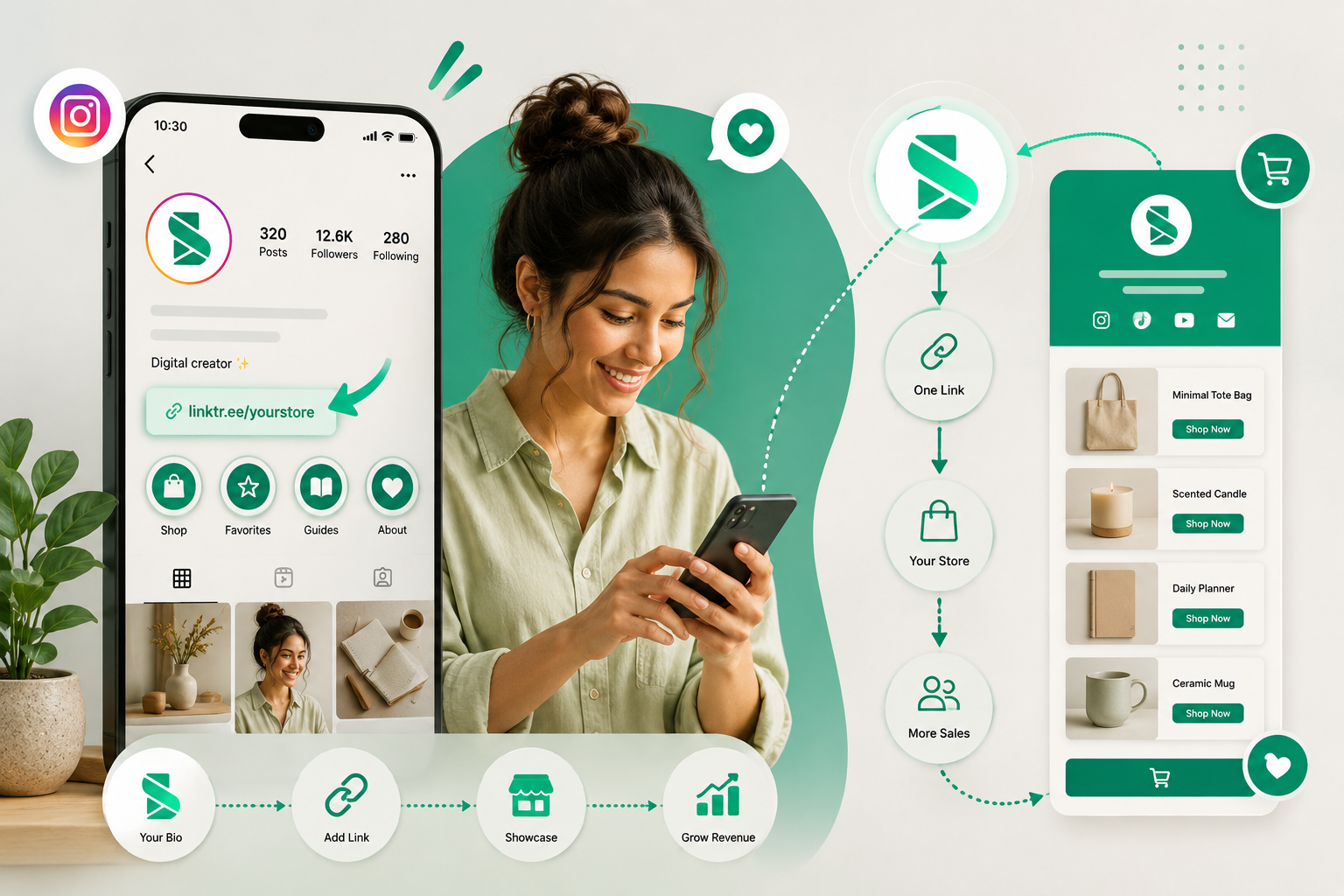
Link in Bio Shop: How to Turn Your Instagram Bio Into a Store in 2026
Your Instagram bio gets one link. Make it a shop. Here's exactly how to build a link in bio shop that converts followers into paying customers — free, no website needed.
Ready to sell on social?
Turn your followers into orders with a SellFlow storefront — no payment-gateway friction.
Get started free