The Best Free Link in Bio Tool for Instagram & TikTok Sellers (2026)
The complete guide for US sellers: how to edit bio on Instagram, add a link on TikTok, compare free bio link tools, and sell directly from your bio link with SellFlow.
![The Best Free Link in Bio Tool for Instagram & TikTok Sellers (2025) [ SellFlow ]](/_next/image?url=https%3A%2F%2Ffirebasestorage.googleapis.com%2Fv0%2Fb%2Fsellflow-f831.firebasestorage.app%2Fo%2Fblog%252Fxc88r81emqs0vz19.jpg%3Falt%3Dmedia%26token%3De9750723-ced2-411f-9a24-7d41d3695e90&w=3840&q=75)
Every Instagram and TikTok seller knows the phrase — link in bio. It's how you turn social media attention into actual sales. But most sellers stop at a basic link list. This guide covers everything: what a link in bio tool actually does, how to edit bio on Instagram, how to add an Instagram link to TikTok, and why SellFlow is the best free option for sellers who want more than just links.
What Is "Link in Bio"?
Instagram and TikTok each allow only one clickable URL in your profile bio. Marketers and creators use the phrase link in bio — or link is in bio — to direct followers to that one URL. Since neither platform allows clickable links inside captions or posts, your bio link becomes the most valuable real estate on your entire profile.
A link in bio tool turns that single URL into a landing page — a place to host multiple links, product listings, your store, and more. In 2025, the best linkinbio tools go further: they let you sell directly from that page without ever redirecting buyers to another site.
How to Edit Your Bio on Instagram
Knowing how to edit bio on Instagram is step one. Here's the exact process:
- Open the Instagram app and tap your profile icon.
- Tap Edit profile.
- Tap the Website field to update your bio link — this is where your SellFlow storefront URL goes.
- To update your written bio for IG, tap the Bio field instead.
- Tap Done (iOS) or the checkmark (Android). Changes go live immediately.
On desktop, the steps are identical: open your profile, click Edit profile, update the Website or Bio field, and save. For platform-specific variations, Instagram's official help page covers every device type.
Pro tip: keep your bio in insta short — one line describing who you serve, followed by a call-to-action like "Shop below ↓" or "New drop in bio."
How to Add an Instagram Link to TikTok
Cross-platform sellers need both bases covered. Here's how to add Instagram link to TikTok — or any link:
- Open TikTok and tap your Profile icon.
- Tap Edit profile.
- Tap Website. TikTok only allows website links on Business Accounts. Switch via Settings → Manage account → Switch to Business Account if you haven't already. TikTok's official guide is here.
- Paste your link bio URL — your SellFlow storefront works for both Instagram and TikTok traffic from a single link.
- Tap Save.
Using one storefront URL across all platforms means your followers always land in the same place — your shop — regardless of which platform they came from.
Are Bio Link Tools Free?
Most tools market themselves as bio link free — but the free tier rarely covers what sellers actually need. Here's an honest breakdown:
- Linktree for Instagram — Free plan exists, but custom domains, analytics, and email capture are paid features starting at $5/month.
- Campsite bio link free plan — Basic free tier with limited link stacking. No commerce features, no product embeds, no checkout. Their paid plans start at $7/month.
- Other bio link free tools — Most upsell the moment you need anything beyond basic links: custom domains, analytics, scheduling, or the ability to sell.
The question isn't just "is bio link free?" — it's "does the free plan actually help me sell?" For most tools, the answer is no. For SellFlow, it's yes.
Create a Free Bio Link That Actually Sells
SellFlow lets you create bio link free — and unlike other tools, the free plan is built around selling. Your SellFlow storefront is a full product catalog with a built-in checkout, not just a list of links. Here's what you get at no cost:
- Your own storefront URL (
sellflow.bio/yourname) — a permanent instagram bio link free that also works as your TikTok website link - Multiple product listings — physical goods, digital products, or services
- Built-in cart and checkout — buyers purchase without leaving your storefront
- Order management dashboard — track, update, and fulfill every order in one place
- Seller analytics — see which products get views, where traffic comes from, and what converts
No monthly fee. No commission on free-tier sales. A real bio link free solution built for sellers, not just creators.
SellFlow vs. Linktree for Instagram Sellers
Here's a direct comparison for US sellers who want more than a list of links:
| Feature | Linktree (Free) | SellFlow (Free) |
|---|---|---|
| Multiple links | ✅ | ✅ |
| Product showcase | ❌ | ✅ |
| Built-in checkout | ❌ | ✅ |
| Order tracking | ❌ | ✅ |
| Custom domain | ❌ (paid only) | ✅ (Pro plan) |
| Commerce analytics | ❌ | ✅ |
Linktree shows links. SellFlow makes sales. For sellers, that difference is everything.
5 Tactics to Drive More Sales From Your Bio Link
The best link bio tool is only as powerful as the strategy behind it. Here's how US sellers maximize every click:
- Always say "link in bio" in captions. It remains the highest-converting phrase in US social selling. Post a product photo, write a compelling caption, and end with "link is in bio."
- Pin a "Shop" Story Highlight. Create a permanent Highlight that points followers to your storefront — it stays visible even after Stories expire.
- Refresh your storefront before every launch. SellFlow lets you spotlight new products or collections. Update before a drop so the first thing buyers see is your newest item.
- Match your TikTok CTA to your featured product. If your video shows a specific item, your storefront should lead with that item — not a generic homepage.
- Read your analytics. SellFlow shows which products convert best and where traffic comes from. Use this data to decide what to post next.
Get Your Free Bio Link in Under 5 Minutes
Here's how to set up your bio link free with SellFlow today:
- Sign up at sellflow.bio — free, no credit card required.
- Add your products: photos, prices, and descriptions.
- Copy your storefront URL:
sellflow.bio/yourname. - Edit your bio on Instagram (steps above) and paste the link.
- Post "link is in bio" in your next caption and drive your first sale.
Your biographies for Instagram set the stage — but what's behind the link closes the sale. Turn that one click into real revenue with SellFlow.
Frequently asked questions
What is a link in bio tool?
A link in bio tool converts the single clickable URL in your Instagram or TikTok profile into a landing page with multiple links, product listings, or a full storefront. Instead of pointing followers to just one page, you can showcase your entire product catalog in one place.
Is bio link free?
Yes — Linktree, Campsite, and SellFlow all offer free plans. However, free plans vary widely. SellFlow's free plan includes product listings, a built-in checkout, and order management, making it the most complete free option for sellers.
How do I edit my bio on Instagram?
Open Instagram, go to your profile, tap "Edit profile," update the Website field with your bio link URL, and tap Done. Changes go live immediately on both mobile and desktop.
How do I add an Instagram link to TikTok?
Switch your TikTok account to a Business Account (Settings → Manage account), then go to Edit profile → Website, paste your link, and save. A single SellFlow storefront URL works for both platforms.
What is the Campsite bio link free plan?
Campsite's free plan supports basic link stacking — multiple links on a simple landing page. It doesn't include commerce features like product showcases, built-in checkout, or order tracking. SellFlow's free plan covers all of these for sellers.
What is the best free Linktree alternative for Instagram sellers?
SellFlow is the best free Linktree alternative for sellers. The free plan includes a product catalog, built-in cart and checkout, and order management — features Linktree only offers on paid plans.

Written by
AmitCo-founder of SellFlow. Writes about social commerce, selling on Instagram & WhatsApp, and helping creators turn followers into customers.
Related articles

Instagram Checkout Is Gone: Where Your Sales Go Now (2026)
Meta removed in-app checkout from Instagram Shops in 2025. What changed, what still works, and where to send buyers so you keep every sale, no website needed.
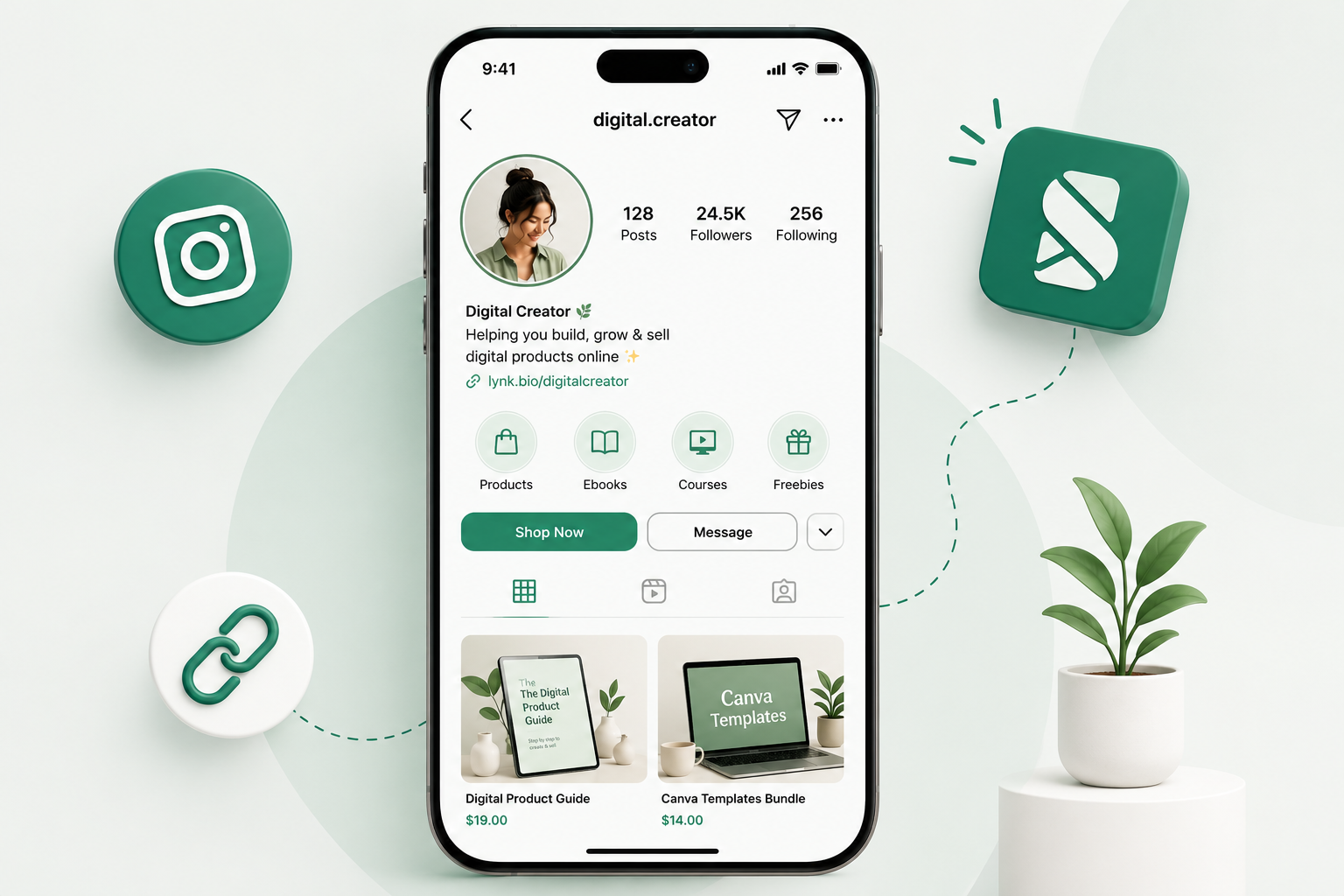
How to Sell Digital Products on Instagram in 2026 (No Website Needed)
Learn how to sell digital products on Instagram in 2026 — set up a link in bio storefront with checkout, take payments, and start earning without a website.

Best Creator Storefront Platforms in 2026: Honest Side-by-Side Comparison
Linktree, Taplink, Stan Store, Beacons, or SellFlow? Here's the honest comparison of every major creator storefront platform in 2026 — fees, features, and who each one is actually built for.
Ready to sell on social?
Turn your followers into orders with a SellFlow storefront — no payment-gateway friction.
Get started free