How to Sell Digital Products on Instagram in 2026 (No Website Needed)
Learn how to sell digital products on Instagram in 2026 — set up a link in bio storefront with checkout, take payments, and start earning without a website.

Short answer: To sell digital products on Instagram, add a link in bio storefront that has built-in checkout, upload your product (ebook, template, preset, or course), set a price, and share the link in your bio and Stories. Buyers tap the link, pay, and get instant delivery — no website required.
Instagram sends the traffic. A storefront turns that traffic into sales. Below are the exact questions creators ask before their first sale — answered.
Can you sell digital products directly on Instagram?
Not inside the app itself — Instagram has no native digital checkout. But you can sell through Instagram by routing followers to a link in bio storefront. That single link holds every product you sell and handles payment on the spot. When someone comments "link?" under your Reel, you point them to your bio, they buy in two taps, and the file lands in their inbox automatically.
This is why the "link in bio" has become the creator's cash register. It's the one place Instagram lets you send buyers with real intent. If you're weighing tools, see our guide to the best free link in bio tool for Instagram & TikTok.
What digital products sell best on Instagram?
The winners are small, specific, and solve one clear problem:
- Templates — Notion, Canva, spreadsheets, resume kits
- Presets & filters — Lightroom presets, video LUTs
- Ebooks & guides — niche how-to PDFs, recipe packs
- Digital art & printables — wall art, planners, checklists
- Mini-courses & workshops — short video lessons
- PLR products — ready-made content others can resell
Micro-niche beats broad every time. "Meal-prep Notion template for shift workers" outsells "productivity template" because the buyer sees themselves in it — and competition is thinner.
How do you set up a store without a website?
You don't need a website, a developer, or a Shopify plan. A link in bio storefront replaces all of it:
- Create your storefront — pick a tool built for selling, not just link-listing.
- Upload your product file and write a short, benefit-led description.
- Set your price and currency — important if you sell to both US and UK buyers.
- Connect payments so money lands in your account.
- Paste your storefront link into your Instagram bio.
That's the whole setup. Platforms like SellFlow give you a hosted storefront with checkout, instant digital delivery, and multi-currency pricing — so a buyer in London and a buyer in New York both check out smoothly, in their own currency.
How do you add your storefront link to your Instagram bio?
Once your storefront is live, put the link where buyers can tap it:
- Open Instagram and tap Edit profile.
- Paste your storefront URL into the Website field and save. Instagram's official help page on editing your profile covers every device.
- In Stories, use the link sticker to send viewers straight to a product — here's Instagram's guide to the link sticker.
To unlock insights and extra selling features, switch to a free professional account — see Instagram's business account setup guide.
How do buyers actually pay?
Through a link in bio with checkout — the buyer never leaves to a sketchy third-party page. They tap your product, enter payment, and the download or access link is delivered automatically by email or WhatsApp. For you, that means sales happen while you sleep and across time zones. For the buyer, it's the frictionless, trusted flow they already expect from big stores.
How do you drive traffic from Instagram to your storefront?
Content is the top of your funnel. Turn every post into a path to your link:
- Reels — show the product in use, end with "link in bio."
- Stories — use the link sticker daily; add a countdown for launches.
- Carousels — teach something, then point to the paid version.
- Pinned comments — drop the link where "how much?" questions land.
- Bio line — one clear call to action above the link.
Consistency matters more than virality. A creator posting three helpful Reels a week will out-earn one viral fluke, because every post funnels to the same storefront.
Do you need a business account to sell?
A free Instagram creator or business account is enough. You don't need a registered company to start, though once sales grow you'll want to handle tax properly — VAT in the UK, sales tax in the US. Choose a storefront that supports configurable tax and multi-currency so you're ready as you scale internationally.
How much does it cost to start?
Close to zero. The digital product costs only your time to create. Most link in bio storefronts have a free tier to launch, then a low monthly fee once you're earning. Because digital products have no inventory or shipping, almost every sale is profit — the reason digital is the fastest creator business to start in 2026.
Start selling today
Selling digital products on Instagram comes down to three moves: make one product people want, set up a link in bio storefront with checkout, and point your content at it. No website, no code, no warehouse. Create your free SellFlow storefront, drop the link in your bio, and your next post can make your first sale.
Frequently asked questions
Can you sell digital products directly on Instagram?
Instagram has no native digital checkout, but you can sell through it by routing followers to a link in bio storefront that holds your products and handles payment, with instant automatic delivery.
How do you sell digital products on Instagram without a website?
Create a link in bio storefront, upload your product file, set a price and currency, connect payments, and paste the storefront link in your Instagram bio. Buyers tap, pay, and receive the file instantly. No website needed.
What digital products sell best on Instagram?
Templates, Lightroom presets, ebooks and guides, printables, mini-courses, and PLR products sell best. Micro-niche products that solve one specific problem outperform broad ones.
How do buyers pay for digital products on Instagram?
Through a link in bio storefront with built-in checkout. Buyers pay on the storefront page and receive the download or access link automatically by email or WhatsApp.
How much does it cost to start selling digital products on Instagram?
Almost nothing. Most link in bio storefronts have a free tier, and digital products have no inventory or shipping, so nearly every sale is profit.

Written by
AmitCo-founder of SellFlow. Writes about social commerce, selling on Instagram & WhatsApp, and helping creators turn followers into customers.
Related articles
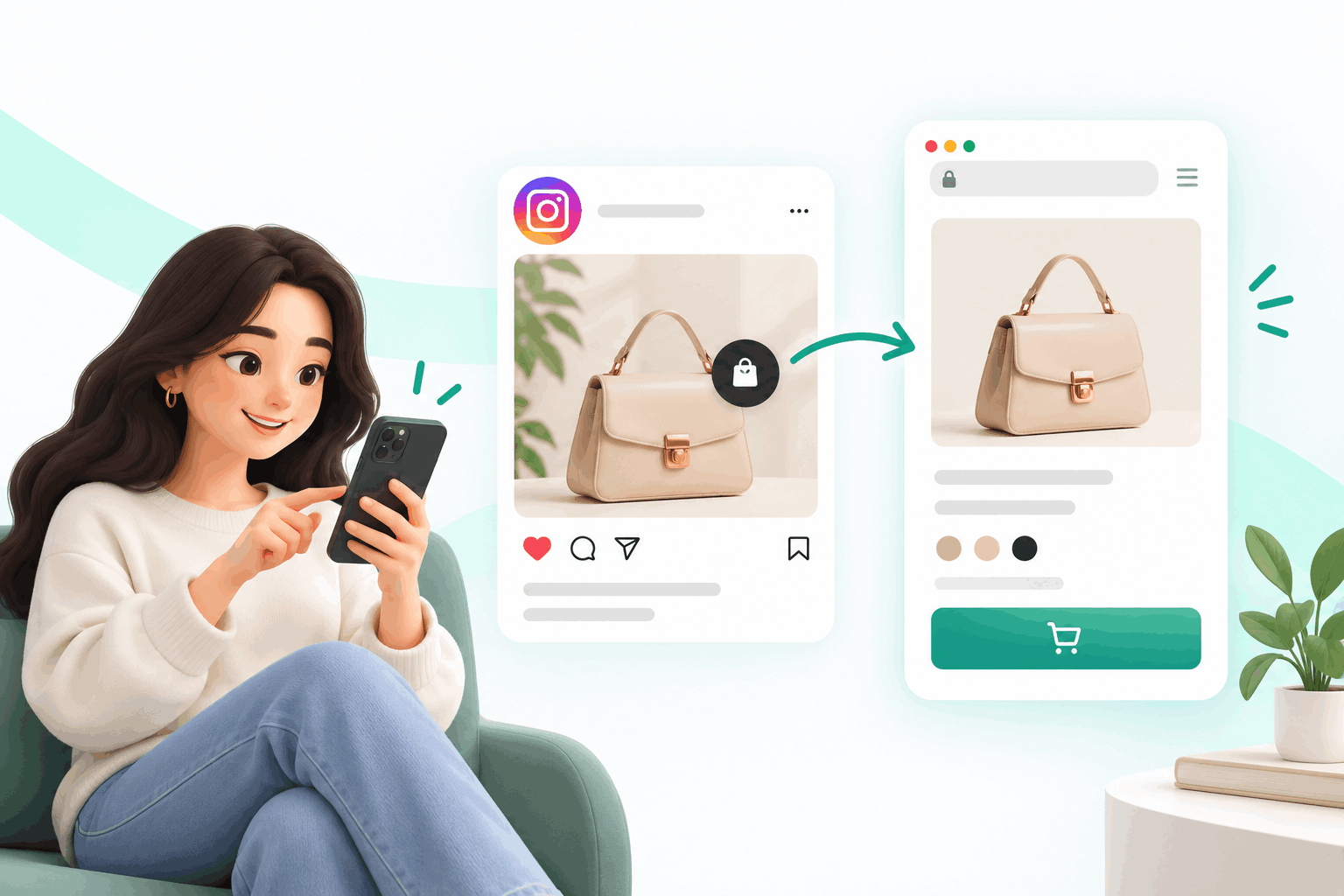
Instagram Checkout Is Gone: Where Your Sales Go Now (2026)
Meta removed in-app checkout from Instagram Shops in 2025. What changed, what still works, and where to send buyers so you keep every sale, no website needed.
![The Best Free Link in Bio Tool for Instagram & TikTok Sellers (2025) [ SellFlow ]](https://firebasestorage.googleapis.com/v0/b/sellflow-f831.firebasestorage.app/o/blog%2Fxc88r81emqs0vz19.jpg?alt=media&token=e9750723-ced2-411f-9a24-7d41d3695e90)
The Best Free Link in Bio Tool for Instagram & TikTok Sellers (2026)
The complete guide for US sellers: how to edit bio on Instagram, add a link on TikTok, compare free bio link tools, and sell directly from your bio link with SellFlow.
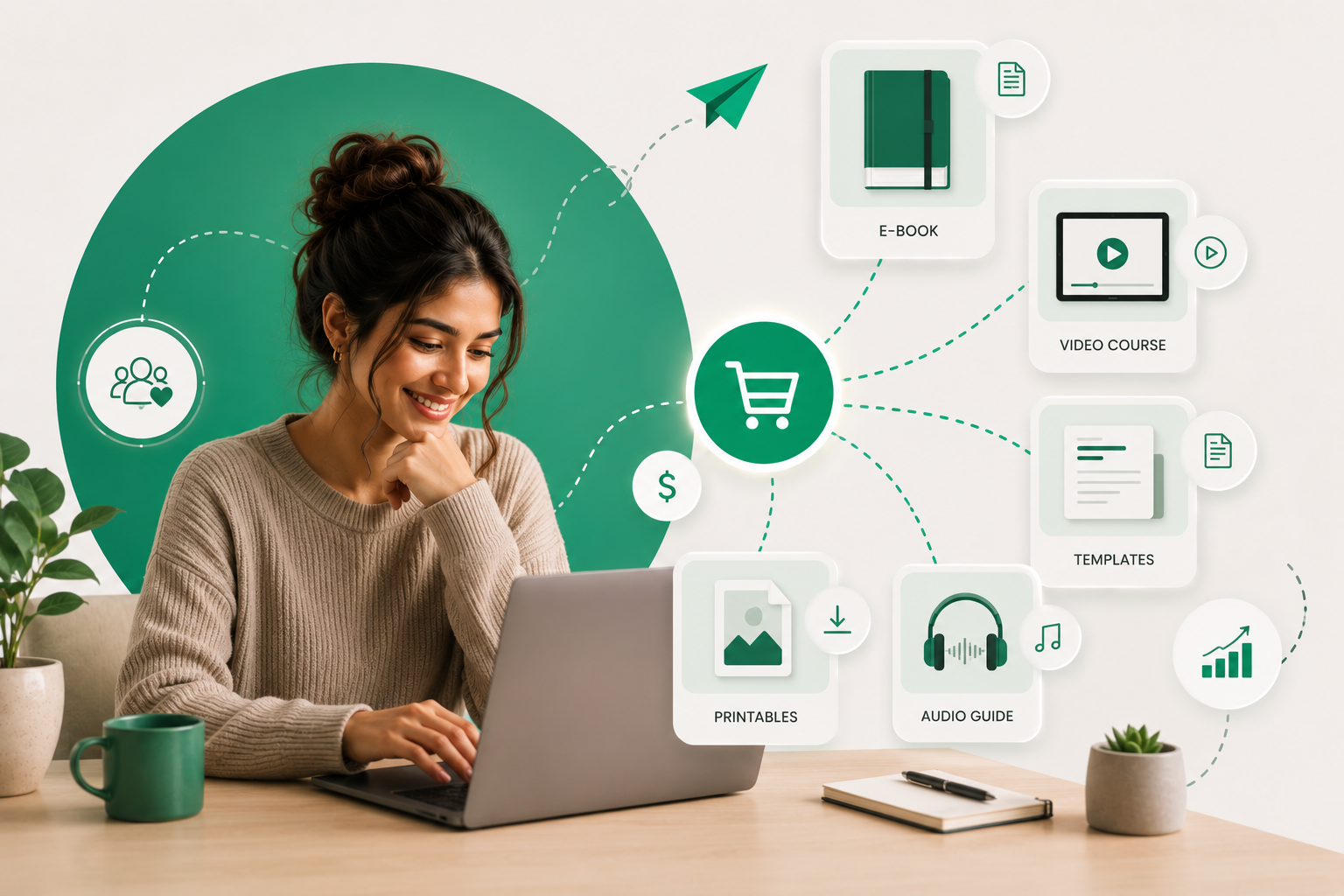
How to Sell Digital Products Online Without a Website (2026 Complete Guide)
You don't need a website to sell digital products in 2026. Here's the complete guide — what to sell, which platform to use, how to deliver automatically, and how to hit your first $1,000.
Ready to sell on social?
Turn your followers into orders with a SellFlow storefront — no payment-gateway friction.
Get started free