How to Sell on WhatsApp in 2026: Complete Guide for Creators and Small Businesses
WhatsApp has 284 million active Business accounts and 175M people messaging businesses daily in 2026. Here's the complete guide to selling on WhatsApp — from your first product listing to automated order updates.

WhatsApp is the most used messaging app in the world — and in 2026, it is also one of the most effective selling tools available to creators and small businesses. With 284 million active WhatsApp Business accounts and 175 million people messaging a business every day, the commerce happening on WhatsApp dwarfs what most people realize.
This guide covers how to sell on WhatsApp effectively: how to share products, how to handle payments, how to automate order notifications, and how to build a sustainable WhatsApp-first commerce operation without losing hours to manual messaging.
WhatsApp Business revenue reached $5.4 billion in 2026, a 50% overperformance vs projections. In India, Brazil, and across Sub-Saharan Africa, WhatsApp is not just a messaging app — it is the primary business communication and commerce channel.
Why WhatsApp Is a Legitimate Commerce Channel in 2026
WhatsApp selling used to mean manually sharing product photos in group chats and hoping someone said "I want one." The process was chaotic, unscalable, and exhausting. In 2026, the approach has matured significantly:
- WhatsApp Status — reaches your entire contact list, similar to Instagram Stories. You can share a product with a link and get orders within minutes.
- WhatsApp Business catalog — a built-in product listing inside the app that buyers can browse from any conversation with your account.
- Click-to-WhatsApp links — you can create a link that opens a WhatsApp conversation with a pre-written message, making it trivial for interested buyers to reach you.
- WhatsApp Channels — broadcast a product announcement to thousands of followers at once, with no character limits and full media support.
And critically: WhatsApp has open rates above 90%. An order notification or delivery confirmation sent via WhatsApp gets read almost immediately. Compare that to email, where a 30% open rate is considered excellent.
The Three Layers of Selling on WhatsApp
Successful WhatsApp commerce in 2026 runs on three layers that work together:
Layer 1: Your Storefront (outside WhatsApp)
Your product catalog and checkout process should live outside WhatsApp, at a dedicated storefront URL. This gives buyers a proper browsing experience, a real checkout page, and payment processing — none of which WhatsApp natively handles well.
SellFlow gives you a storefront at sellflow.bio/yourname with a full product catalog and checkout. This URL is what you share on WhatsApp.
Layer 2: WhatsApp as the discovery channel
WhatsApp Status, Channels, and group messages are how you announce products and drive buyers to your storefront. Share a photo of your new product, write a short description, and link to your SellFlow product page. The reach is immediate — everyone who has you as a contact and checks their Status feed sees it within 24 hours.
Layer 3: WhatsApp as the order communication channel
After a buyer completes checkout on your storefront, they want to know: "Did my order go through? When do I get it?" WhatsApp is the ideal channel for this — it is already open on their phone, it has a 90%+ open rate, and a WhatsApp message feels more personal than an email receipt.
SellFlow automatically sends WhatsApp order confirmations and updates after every purchase. You do not need to manually message anyone.
Setting Up Your WhatsApp Selling System: Step-by-Step
Step 1: Set up WhatsApp Business
Download WhatsApp Business (free on iOS and Android). Set up your business profile with your name, logo, business category, and a link to your storefront. WhatsApp Business also lets you set automated greeting messages and quick replies — use these to handle common questions automatically.
Step 2: Create your product catalog in WhatsApp Business
In WhatsApp Business, go to Settings → Business Tools → Catalog. Add your products with photos, descriptions, and prices. Buyers browsing your catalog can tap any item to share it in a conversation or ask about it — this works well for physical products where buyers may want to ask questions before purchasing.
Step 3: Set up your SellFlow storefront for full checkout
The WhatsApp Business catalog shows products but does not handle checkout or digital delivery. For a complete purchase experience, create a SellFlow storefront with your full product range. Each product gets its own checkout page that handles payment and delivery automatically.
Step 4: Create a WhatsApp broadcast list for product announcements
A WhatsApp broadcast list lets you send a message to up to 256 contacts at once (they each receive it as an individual message, not a group chat). Build your list by saving the numbers of interested buyers and asking them to save your number (required for broadcasts to deliver). Announce new products, limited stock, or early-bird pricing through broadcasts.
Step 5: Use WhatsApp Status for ongoing promotion
Post to WhatsApp Status every day during active selling periods. Photos and short videos of your products, customer testimonials, behind-the-scenes creation process — anything that builds familiarity and desire. Include your SellFlow store link in every Status post so interested buyers can go straight to checkout.
Step 6: Automate order notifications
SellFlow sends automatic WhatsApp order updates to buyers after purchase and again when you update the order status (processing, shipped, delivered). Buyers know exactly where their order stands without having to message you to ask. This dramatically reduces post-purchase support messages and increases buyer satisfaction.
What Sells Best on WhatsApp
WhatsApp commerce works differently across product categories. Here is what consistently performs well:
Digital products
Ebooks, templates, presets, and courses sell particularly well via WhatsApp because delivery is instant. A buyer can order via your WhatsApp Status, check out on your SellFlow link, and have the file in their WhatsApp chat within seconds. The entire transaction takes under two minutes.
Physical products with personal touch
Handmade goods, custom products, and artisan items sell well on WhatsApp because buyers appreciate the direct creator-to-buyer relationship. WhatsApp feels more personal than an anonymous storefront, and buyers are often willing to pay a premium for that direct access.
Services and bookings
Coaching calls, custom design work, and appointment bookings work well via WhatsApp because the initial conversation can happen in the chat before payment. A buyer asks about your services, you discuss, then you send them the checkout link. Conversion rates for services are typically higher on WhatsApp than on a general website because the conversation builds trust first.
Time-limited offers
Flash sales, early-bird pricing, and limited stock items perform exceptionally well on WhatsApp Status because of the 24-hour window. Urgency works: "50% off for the next 6 hours, link in bio" drives action in a way that a standing product page does not.
Handling Payments on WhatsApp
WhatsApp Pay is available in India, Brazil, and a handful of other markets for peer-to-peer payments. For broader payment coverage, the most reliable approach is to send a checkout link that handles payment externally.
With SellFlow, your checkout link accepts payments via Stripe (cards in 40+ countries), PayPal (200+ countries), and regional payment methods depending on your location. A buyer on WhatsApp anywhere in the world can tap your link and pay in their currency using their preferred method.
After payment, SellFlow sends the buyer:
- A WhatsApp message confirming the order
- For digital products: the download link
- For physical products: a tracking link when you update the status
Building a WhatsApp Customer List That Buys Repeatedly
The most valuable thing you can build as a WhatsApp seller is a list of people who have bought from you before and trust you. Repeat buyers convert at 5–7x the rate of cold audiences, and WhatsApp is an unusually direct channel to reach them.
- Ask buyers to save your number after their first purchase — "Save my number so you don't miss my next product launch"
- Send occasional value-first messages (a tip, a free resource, a recommendation) so your name stays familiar between product launches
- Offer exclusive early access to new products to your WhatsApp list before posting publicly
- Run WhatsApp-only deals that reward the people who have the closest relationship with you
Your WhatsApp list is an asset you own completely. Unlike Instagram followers or TikTok audiences, a WhatsApp contact list cannot be taken away by an algorithm change or platform ban. It is the most resilient customer base a creator can build.
Start selling on WhatsApp today with a free SellFlow storefront at sellflow.bio — set up your store, share the link in your WhatsApp Status, and start receiving orders with automatic notifications handled for you.
Frequently asked questions
Can I sell products directly on WhatsApp?
Yes. You can share product links, collect orders, and confirm payments through WhatsApp. SellFlow automates WhatsApp order confirmations and status updates to buyers after each purchase — no manual messaging needed.
How do I set up a WhatsApp storefront?
Create a free SellFlow account, add your products, and share your store link in your WhatsApp status. When buyers order, they receive automatic WhatsApp notifications with their order details and digital product delivery links.
Do I need WhatsApp Business to sell on WhatsApp?
Not necessarily. SellFlow sends WhatsApp order updates using click-to-chat links that work with any WhatsApp account. WhatsApp Business adds a catalog and business profile on top of basic WhatsApp, which is helpful but not required to start selling.
How many people use WhatsApp for shopping in 2026?
175 million people message a WhatsApp Business account every day in 2026. WhatsApp Business has 284 million active accounts globally. In India, 89% of small business owners use WhatsApp for business; in Brazil, 91%.
Is selling on WhatsApp free?
Yes. WhatsApp itself is free. SellFlow, which automates WhatsApp order notifications and manages your storefront, is also free with no transaction fees on any plan.
What is the best way to take payment on WhatsApp?
Share a SellFlow checkout link. Buyers complete payment via your preferred payment method (Stripe, PayPal, or regional options), and WhatsApp sends them their order confirmation and digital product link automatically.
Written by
AmitFounder of SellFlow. Writes about social commerce, selling on Instagram & WhatsApp, and helping creators turn followers into customers.
Related articles

How to Sell Digital Products Online Without a Website (2026 Complete Guide)
You don't need a website to sell digital products in 2026. Here's the complete guide — what to sell, which platform to use, how to deliver automatically, and how to hit your first $1,000.
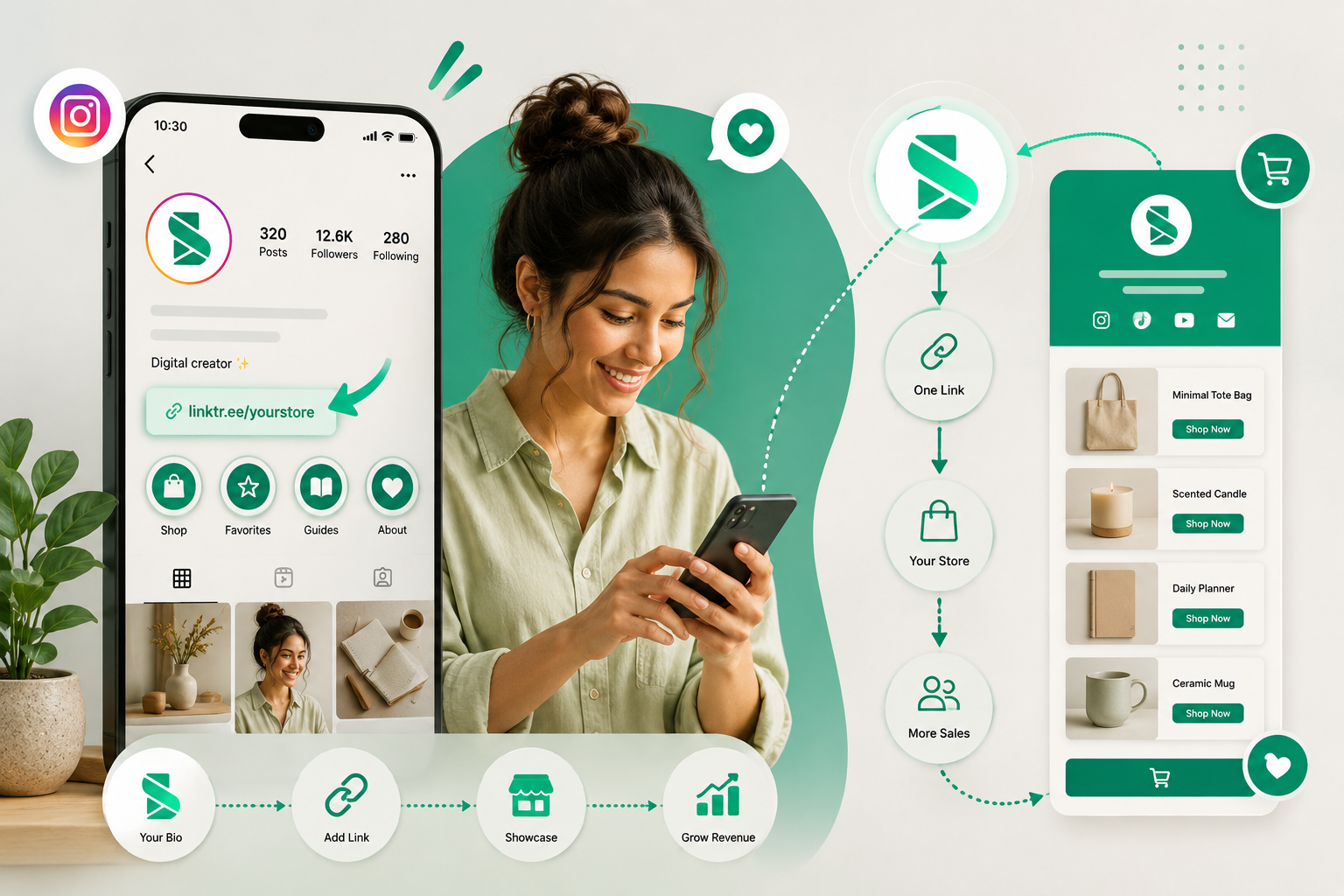
Link in Bio Shop: How to Turn Your Instagram Bio Into a Store in 2026
Your Instagram bio gets one link. Make it a shop. Here's exactly how to build a link in bio shop that converts followers into paying customers — free, no website needed.

Social Commerce in 2026: How Smart Creators Build $10K/Month Without a Website
Social commerce is a $2.9T market. Here's the exact playbook creators use to build $10,000/month businesses from Instagram, TikTok, and WhatsApp — no website, no inventory, no agency required.
Ready to sell on social?
Turn your followers into orders with a SellFlow storefront — no payment-gateway friction.
Get started free